Introduction
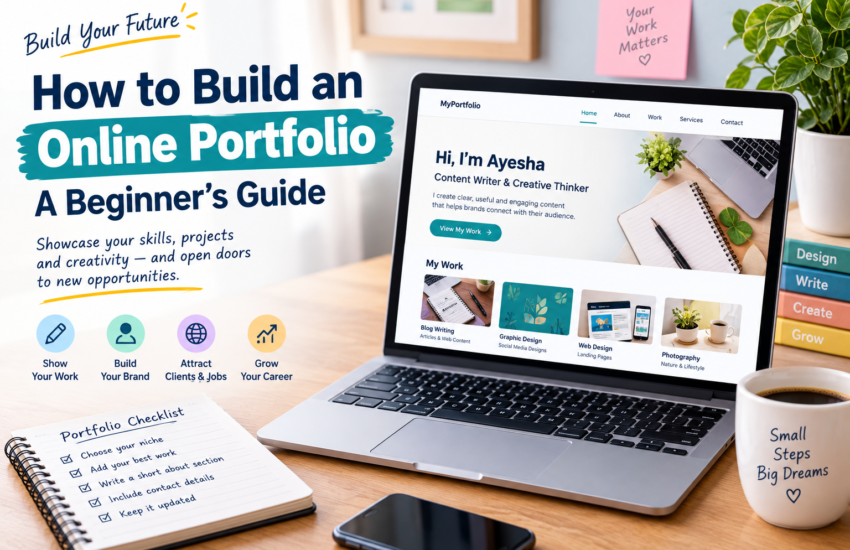
When you are looking for work online, telling people about your skills is only one part of the process. Potential clients or employers may also want to see what you can actually do. An online portfolio gives you a place to display examples of your work in one organized location.
You do not need years of professional experience to create one. Students, beginners, freelancers, designers, writers, developers, teachers, and other professionals can build portfolios around their skills and projects.
If you are wondering how to build an online portfolio, the first step is not choosing a fancy design. Start by deciding what you want people to learn about you and what work you can show them.
What Is an Online Portfolio?
An online portfolio is a digital collection of your work, skills, projects, and relevant information.
Think of it as a place where someone can quickly understand what you do. Instead of sending separate files or explaining every skill through messages, you can direct people to one portfolio.
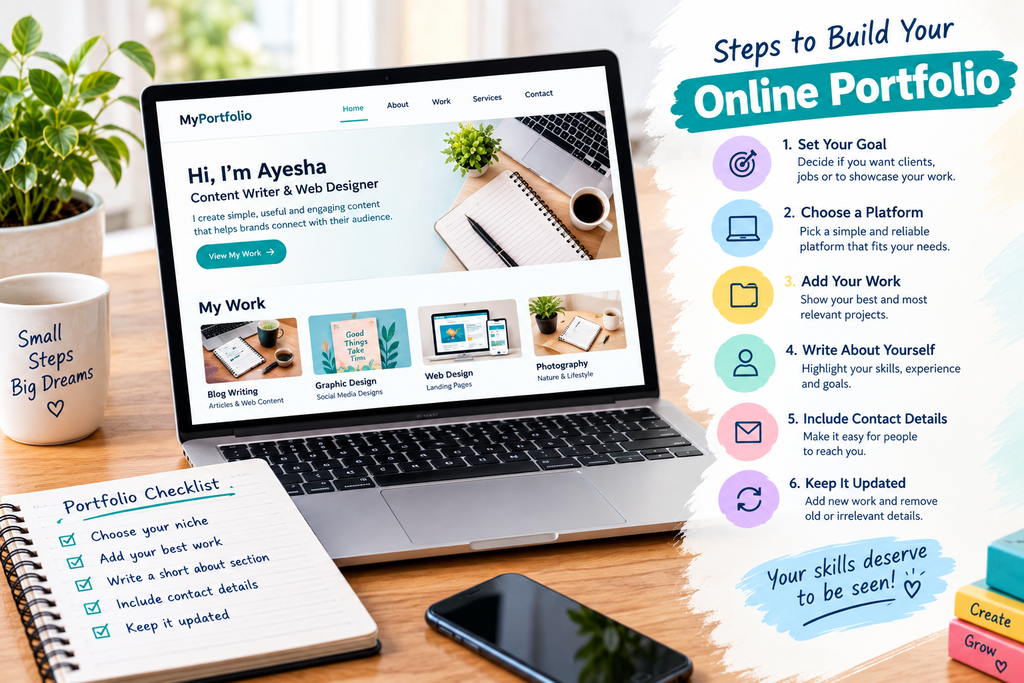
A portfolio can contain different types of work depending on your field.
For example:
- A writer can display articles and writing samples.
- A graphic designer can show logos, posters, or other designs.
- A web developer can present websites and coding projects.
- A photographer can display selected photographs.
- A teacher can share educational materials or teaching projects.
- A virtual assistant can describe the types of administrative tasks they can handle.
The contents should match the service or profession you want to present.
Why Is a Portfolio Useful?
A portfolio can help people understand your abilities more clearly.
A CV tells someone about your background, while a portfolio can provide examples of your work. The two can work together.
For a beginner, a portfolio can be especially useful because it gives you an opportunity to demonstrate your skills even when your employment history is short.
You can also update the portfolio as your experience grows. A project that represents your ability today may eventually be replaced by stronger work in the future.
Decide What Your Portfolio Is For
Before creating the website or page, decide what you want the portfolio to achieve.
Are you using it to:
- Find freelance clients?
- Apply for jobs?
- Promote a particular service?
- Display creative work?
- Build a professional online presence?
Your answer will influence what you include.
For example, a portfolio designed for freelance writing should focus on writing samples, while a portfolio for a graphic designer should give more visual space to design work.
A clear purpose can prevent your portfolio from becoming a collection of unrelated information.
Choose What You Want to Showcase
You do not need to upload everything you have ever created.
Start by selecting work that represents the skills you want people to notice.
Quality and relevance are more useful than simply having a large number of samples.
If you are a writer, you might choose three to five strong pieces covering different topics. A designer could select several projects that demonstrate different styles or techniques.
For every sample, make sure you know whether you have permission to display it publicly. Do not upload private client material or someone else’s work without appropriate permission.
What If You Have No Clients?
A common problem for beginners is thinking that a portfolio is impossible without previous clients.
It is not.
You can create practice projects specifically for your portfolio.
For example, an aspiring content writer could write an original article about a topic they understand. A beginner web designer could create a sample website for an imaginary business. Someone learning graphic design could create a fictional brand identity.
The important point is to clearly present practice work as practice work. Do not make it appear that an imaginary project came from a real client.
These projects can show how you approach a task and what you are capable of producing.
Choose a Suitable Platform
There are many ways to create an online portfolio. The right option depends on your technical ability, budget, and purpose.
A beginner may start with a simple website builder or a platform designed for showcasing creative work. Someone who already knows WordPress or web development may prefer to build a more customized site.
You do not need the most advanced platform available.
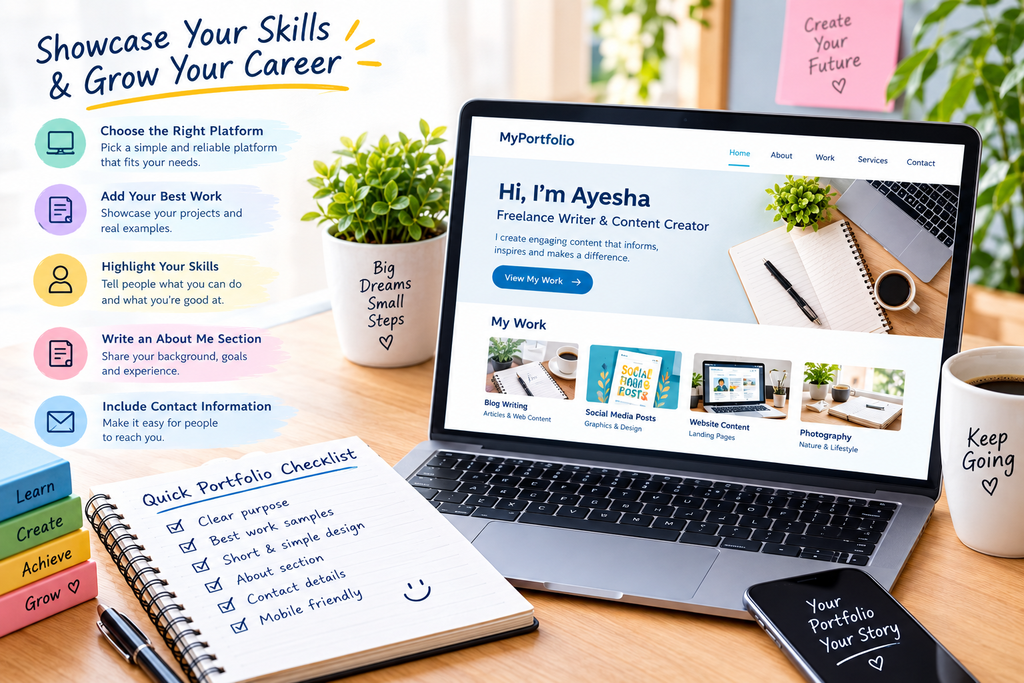
A simple portfolio that loads properly, works on mobile devices, and makes your work easy to find can be more useful than a complicated website that is difficult to navigate.
Create a Simple Structure
A portfolio should be easy to explore.
A basic structure might include:
Home
Introduce yourself and explain what you do in a few lines.
About
Give some background about your skills, education, interests, or professional goals.
Work or Projects
Display selected examples of your work.
Services
If you are offering freelance services, explain what you can help clients with.
Contact
Provide a suitable way for people to contact you.
You do not necessarily need many pages. The structure should depend on the amount of information you actually have.
Write a Useful About Section
The About section should tell visitors something meaningful about you.
Avoid filling it with general statements such as “I am hardworking and passionate.”
Instead, explain your field, what you have learned, what type of work you enjoy, and what you are currently working toward.
For example, a beginner writer might explain the subjects they enjoy researching and the types of content they create.
Keep the information relevant. Your portfolio is a professional presentation, so there is usually no need to include unrelated personal details.
Present Each Project Properly
Do not simply place an image or file on the page without explanation.
Give visitors some context.
For each project, you can mention:
- Project name
- Type of work
- Your role
- Tools used
- Main goal
- Brief description
- Final result, when appropriate
This helps visitors understand the thinking and skills behind the sample.
For example, if you display a website, explain whether you designed it, developed it, wrote the content, or worked on another part of the project.
Keep the Design Easy to Use
Your portfolio design should support your work rather than distract from it.
Use readable text, clear headings, and enough space between sections. Make navigation straightforward.
If you use images, make sure they are good quality but not unnecessarily large. Very large files can make a page slower to load.
Check your portfolio on both a computer and a phone. A page that looks good on one screen may need adjustments on another.
Add Contact Information
If you want people to contact you about work, make the process simple.
Depending on your situation, you might provide a professional email address, contact form, or another appropriate method.
Check that your contact method actually works.
If you include social or professional profiles, make sure the links lead to the correct pages and that those profiles are suitable for professional visitors.
Keep Your Portfolio Updated
A portfolio should not remain unchanged forever.
As you complete better projects, you can replace weaker samples. You can also update your skills, courses, services, and contact details.
Review your portfolio occasionally and remove information that is no longer accurate.
An updated portfolio gives visitors a clearer picture of what you currently offer.
Common Portfolio Mistakes
Adding Too Much Work
Visitors may lose interest if they have to scroll through dozens of similar projects. Select your strongest and most relevant examples.
Using Someone Else’s Work
A portfolio should represent your own abilities. Do not present another person’s work as yours.
Making Unsupported Claims
Avoid saying that you are an expert in something if your work does not demonstrate that level of ability.
Ignoring Mobile Users
Many people browse websites on their phones. Make sure your portfolio remains readable and usable on a smaller screen.
Forgetting to Check Links
Broken links can make an otherwise good portfolio frustrating to use. Test your important buttons and links regularly.
Writing Too Much
Your portfolio should provide useful information without becoming a long autobiography. Give visitors the information they need and let your work speak for itself.
A Simple Portfolio Checklist
Before sharing your portfolio, check these points:
- Is your main service or profession clear?
- Are your best projects easy to find?
- Are the samples genuinely yours?
- Have you explained your role in each project?
- Is the About section relevant?
- Can visitors easily contact you?
- Do all important links work?
- Does the website work on mobile?
- Are the images clear and properly sized?
- Is the information current?
Final Thoughts
Learning how to build an online portfolio does not require advanced technical knowledge. The most important part is deciding what you want to show and organizing it in a way that visitors can understand.
Start with a small collection of relevant work. If you do not have client projects, create honest practice samples. Add a clear introduction, useful project descriptions, and a simple way to contact you.
As your skills and experience develop, your portfolio can develop with them. You do not need to wait until you become an experienced professional before creating one. Your first portfolio can be the beginning of your online professional presence.
One comment